
How to Set up Security Mail on the Ugandan Platform
Please go through with following steps to add and verify your email address.
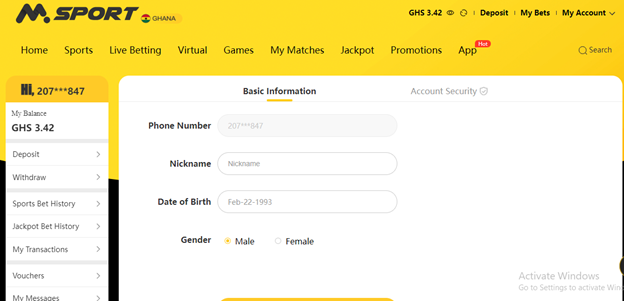
Step 1: Login to your MSport account and Click on my Account at the top of the page.
Step 2: Click on your mobile number or nick name.
Step 3: Select "Email", and add your email address.
Step 4: Once you add your email address, it will send email to your email address to verify and gives you link to upload security documents.
Please submit all the requested documents in order to completed email verification process.
Comments
0 comments
Please sign in to leave a comment.