
HOW TO FILTER ODDS TO EASE GAME SELECTIONS WHILE BETTING

This article is to designed to give our revered existing and new customers the basic idea on how to make a choice of selecting either high or less odd while at their betting experience.
Below are the various steps involved:
STEP 1
Login to msport with your registered msport number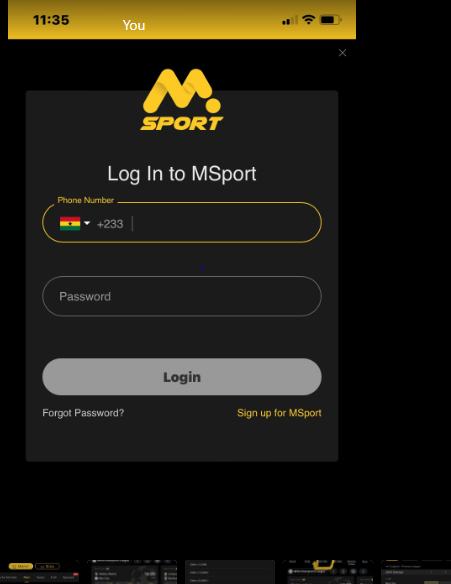
STEP 2
Click on filter odds
STEP 3
After clicking on the filter odds, click on odds 1.20 as it will display all selections with 1.20 already highlighted.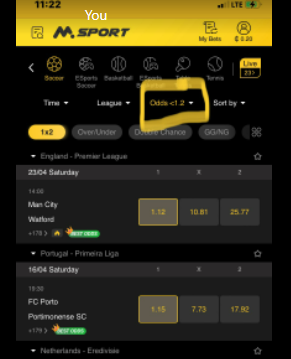
STEP 4
To customize the odds selection to your own preference, click on odds as it display a dialogue box for you to filter, the + arrow means increase in odds and the - arrow means decrease in odds.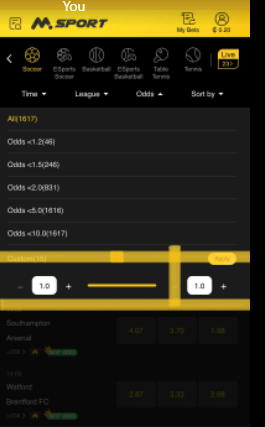
I hope this article will be useful to us especially when our new customers needs some guidelines on how to filter odds for easy selections.
Thank you.
Comments
0 comments
Please sign in to leave a comment.